Find Product and Stock Locations
Find a SKU and inspect where its stock is held
1 min read
Updated 21 October 2026
Find Product and Stock Locations
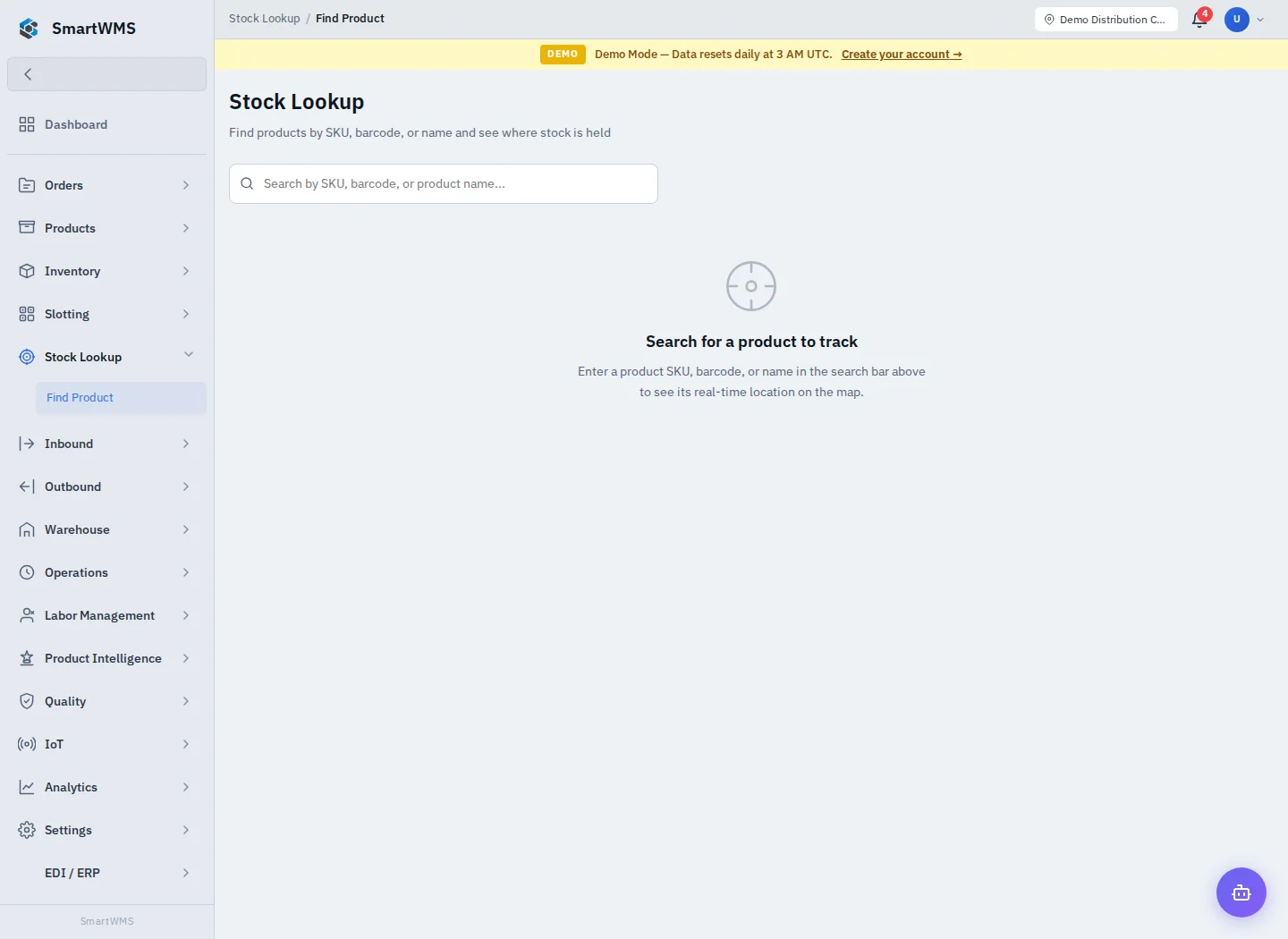
Open Stock Lookup → Find Product. This screen finds products by SKU, barcode or name and displays the available stock-location view.
- Enter a SKU/barcode/name in the search control.
- Select the correct product when several results match.
- Review its warehouse/location information and quantities.
- Open the related product/stock information to confirm batch/serial identity and availability.
The displayed location reflects recorded warehouse data, not a GPS tracker attached to every unit. A location on the view does not prove stock is available for a new order if it is reserved or held.
If a product is missing, check the identifier, catalog active state, permissions and selected context. If the displayed placement differs from the floor, investigate movements and tasks before correcting inventory. See Stock Levels and Trace and Recall.