EDI Workspace
Understand partner configuration, parsing and document processing
1 min read
Updated 21 October 2026
EDI Workspace
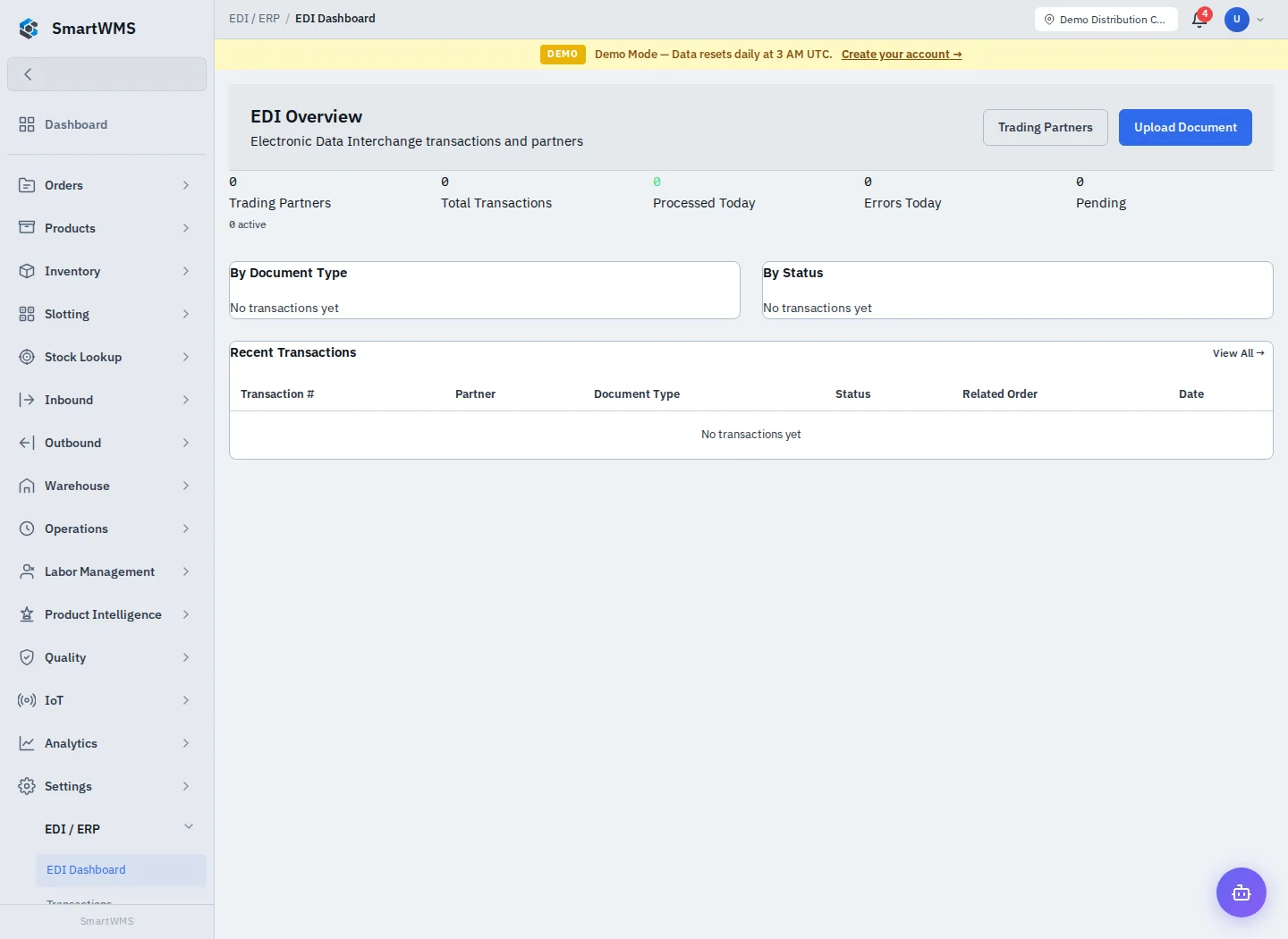
Open EDI / ERP → EDI Dashboard for the exchange overview. The workspace contains Trading Partners, Upload Document and Transactions.
- Configure the trading partner's identifiers, standard and direction.
- Parse and preview a representative document before processing.
- Select the intended partner and processing options.
- Inspect the resulting transaction, validation messages and linked business record.
- Reconcile the created sales order, receipt or invoice against the source document.
The upload screen lists X12 850 Purchase Order, 856 Advance Ship Notice, 810 Invoice and 997 Functional Ack workflows. Parser support for a standard does not imply that every document type, custom segment or partner-specific mapping is supported.
Processing can create operational records. Keep Auto-process off while reviewing an unfamiliar document and do not repeatedly submit it when the outcome is uncertain. See Upload and Preview and Transactions.