Operational Productivity
Interpret task and session performance metrics
1 min read
Updated 21 October 2026
Operational Productivity
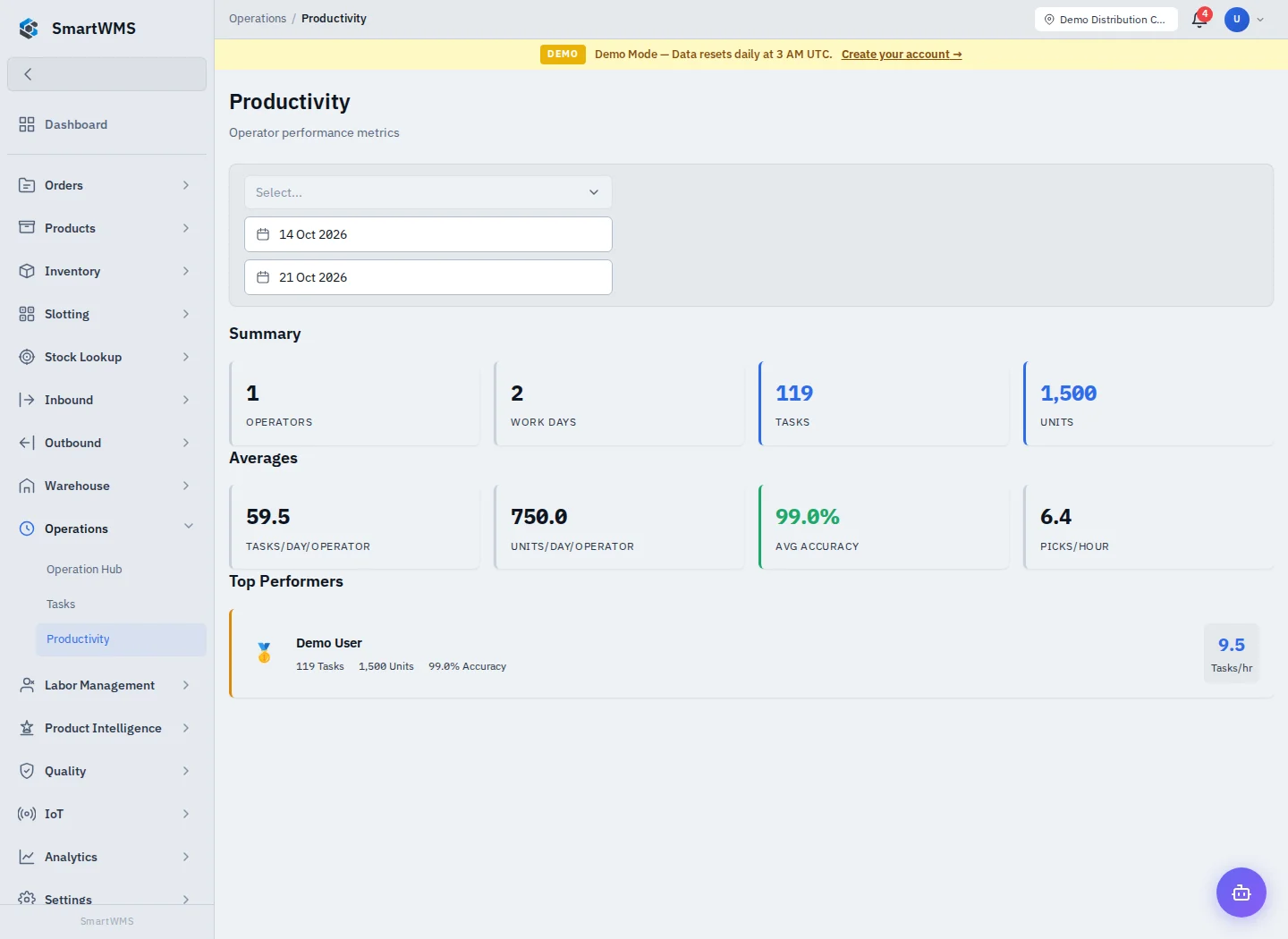
Open Operations → Productivity and use the available period, warehouse and operator filters.
- Select a meaningful period and warehouse scope.
- Compare completed task counts, unit quantities, time and accuracy indicators shown by the view.
- Investigate unusual results using the corresponding task/session records.
- Compare similar work types and conditions rather than unrelated tasks.
A missing task, session or completion timestamp can affect the metrics. Zero activity can mean the workflow was not recorded in the selected period. A task-rate metric does not by itself prove stock accuracy or cover unrecorded physical work.
For labor standards, grading targets, worker schedules and leaderboard views, use Labor Standards and Workers. These are operational tools, not automatic payroll or a complete evaluation of staff.