QC Dashboard
Review inspection outcomes and unresolved quality work
1 min read
Updated 21 October 2026
QC Dashboard
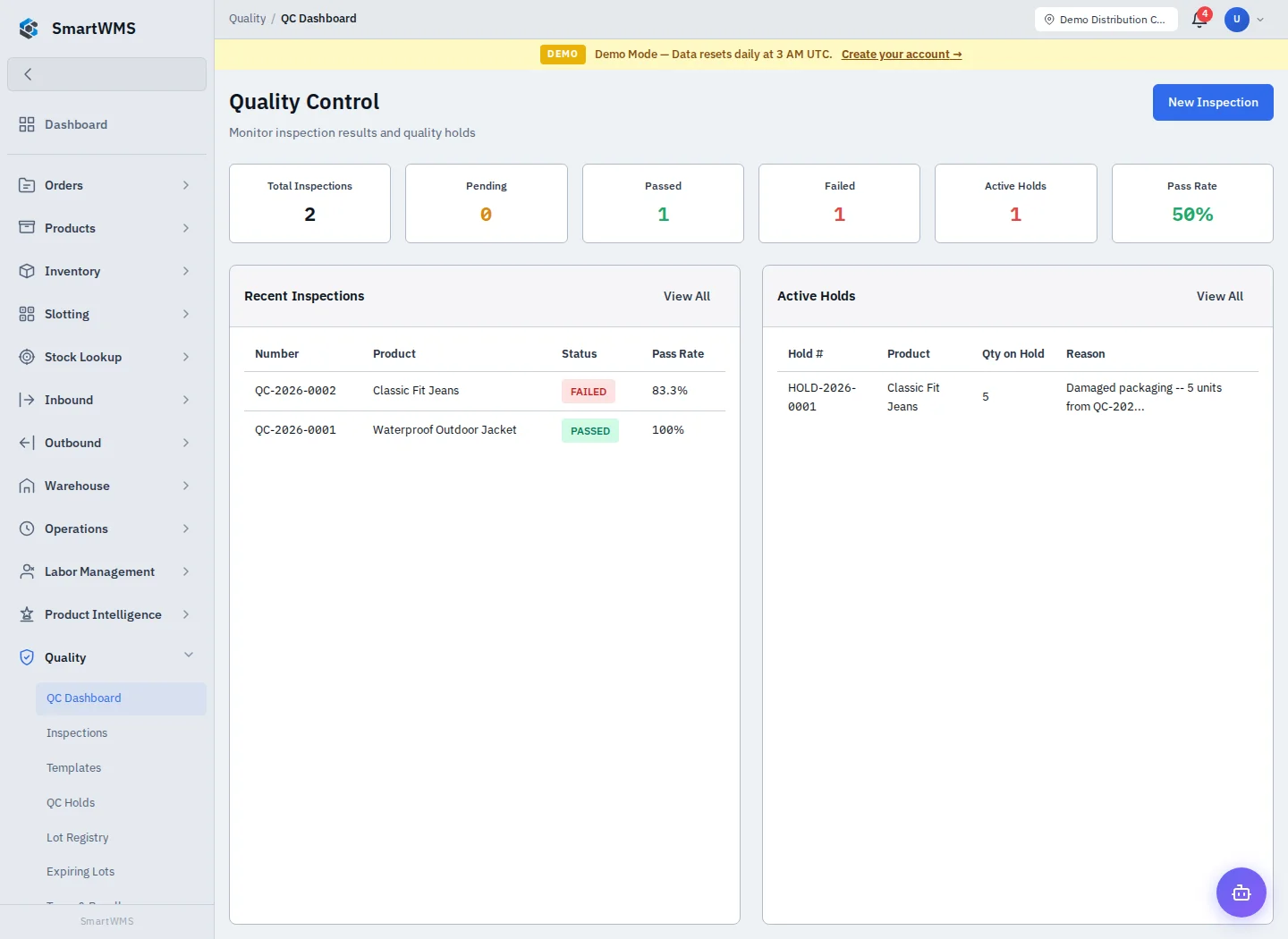
Open Quality → QC Dashboard for the current inspection/hold overview.
- Review the pending/in-progress inspection indicators and quality results.
- Open the inspection list to identify outstanding work.
- Check QC Holds for quantities awaiting a decision.
- Use the linked lot/traceability views for affected batches.
- Resolve the underlying records and review the dashboard again.
A dashboard total is not an approval to use held stock. Follow the inspection result and explicit hold resolution. Missing results can mean there are no records in the selected scope or that required inspection work has not been recorded.
Use Templates, Inspections and Holds for their actual configuration and actions.