Stock Levels
Read on-hand, reserved and available stock at each location
2 min read
Updated 21 October 2026
Stock Levels
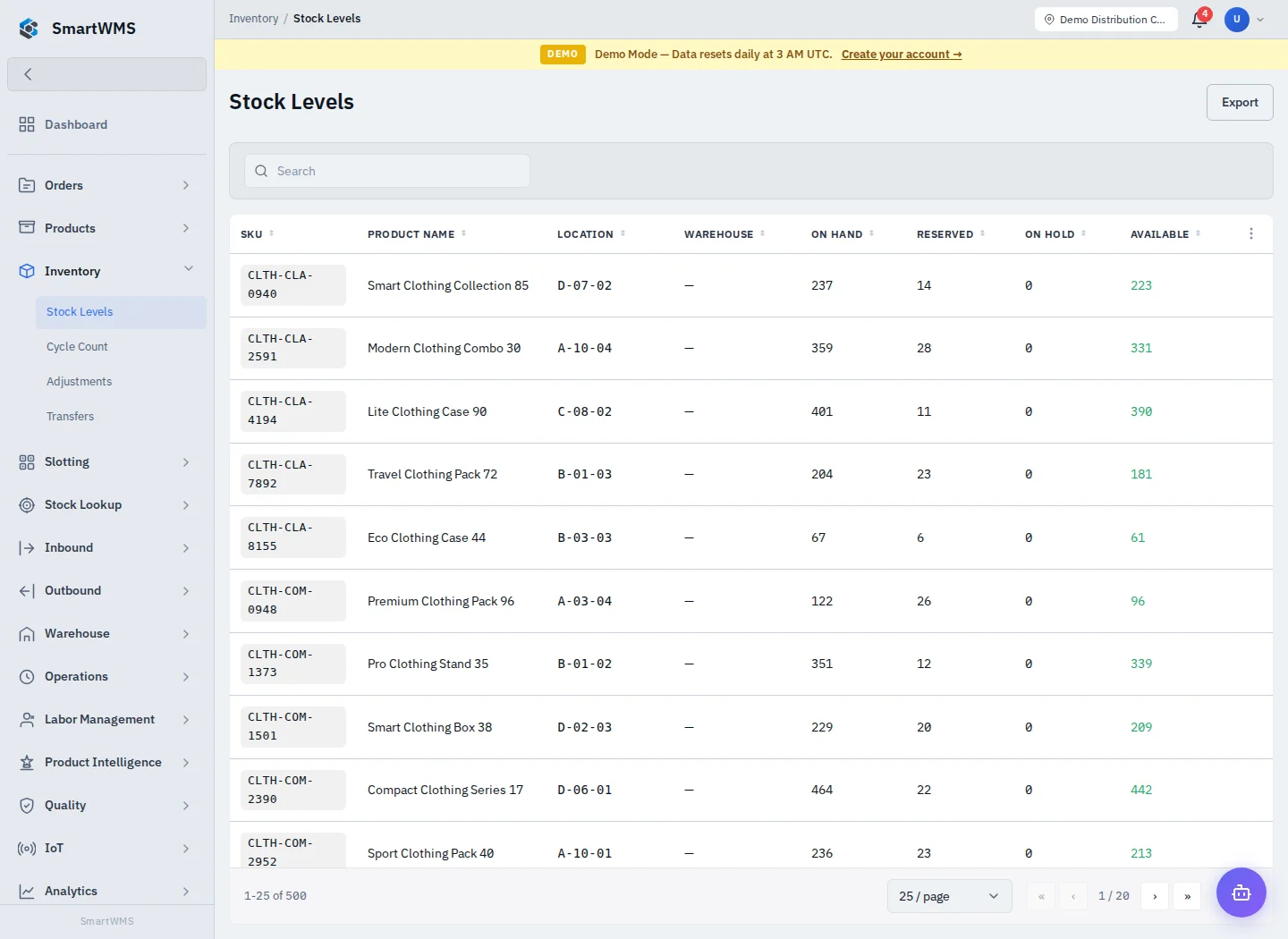
Open Inventory → Stock Levels and apply the product, warehouse, location and other filters offered by the view. Review the selected site/warehouse context before interpreting a total.
Quantities and identity
- On hand is the recorded physical balance.
- Reserved is committed to eligible outbound work.
- Available is the usable balance after reservations and applicable restrictions.
- Location, batch and serial identity distinguish stock records for the same product.
A product may appear on several rows. Sum the intended warehouse/location scope and do not confuse a catalog product count with a quantity. An imported SKU starts with catalog data only; it needs receiving or another authorized stock operation.
Investigate a difference
- Search the SKU and confirm its warehouse and location.
- Compare on-hand, reserved and available values, including batch/serial identity.
- Open the related movement/history view or Stock Movements report.
- Compare the receipt, pick, transfer, adjustment or quality record responsible for the change.
- Use a justified correction workflow after identifying the cause.
A successful operation must be confirmed by its record and resulting balance. After an interrupted request, check the document before repeating it. See Adjustments and Connection behavior.