Billing and Subscription
Review the plan, usage and available billing actions
1 min read
Updated 21 October 2026
Billing and Subscription
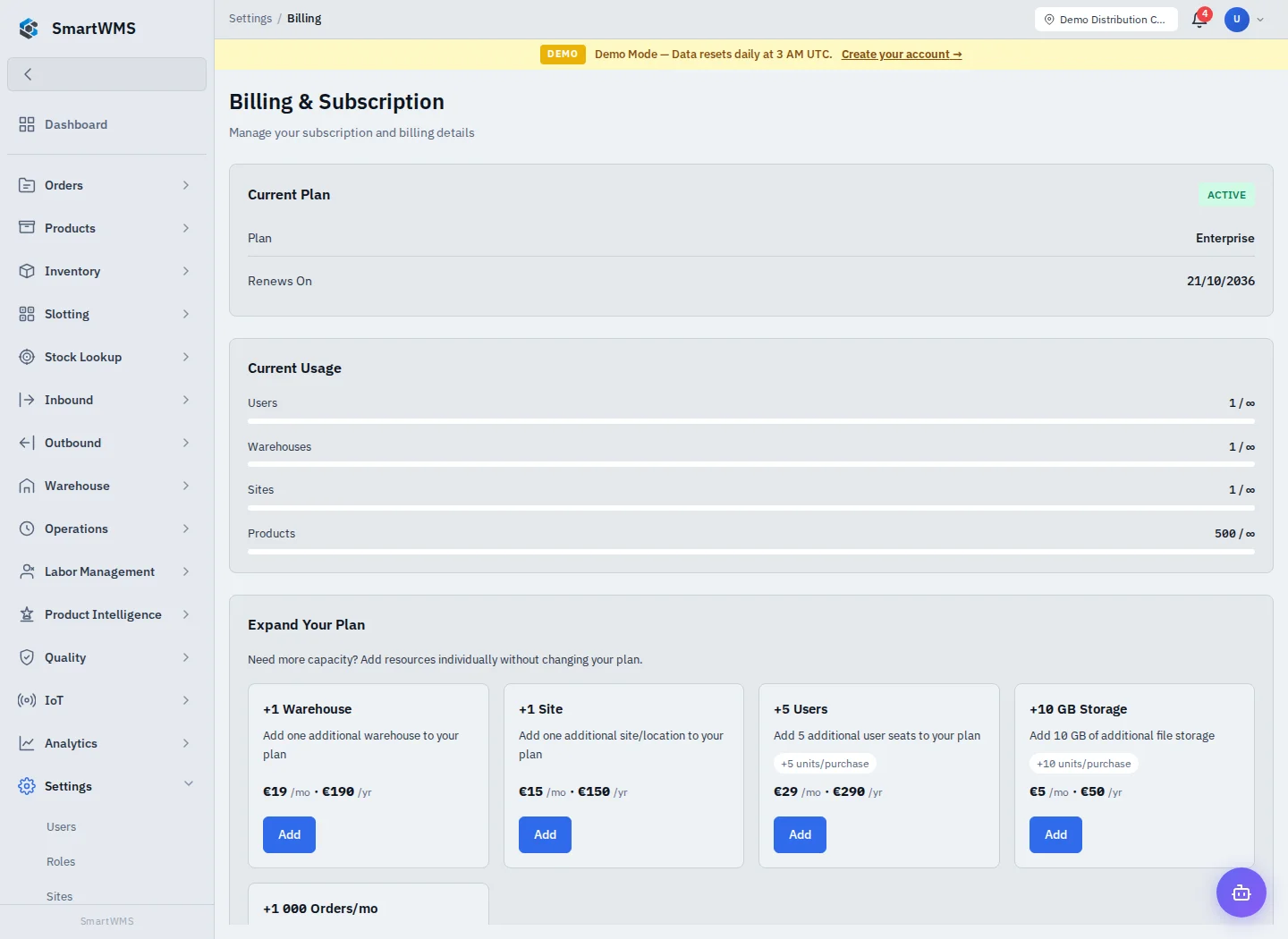
Open Settings → Billing with a role allowed to view company billing. Review the plan/subscription, usage and billing information actually shown for your company.
- Check the company and current plan/status before taking a billing action.
- Compare usage indicators with their displayed limits and period.
- Review any plan-change or billing-portal action before confirming it.
- Use the displayed terms/pricing and support contact if the status or amount is unclear.
Plan availability and enforcement depend on the current commercial offering and deployment settings. This guide does not promise an unlimited plan, a fixed launch date, a permanent discount or a working checkout when that action is not offered.
A trial or plan-status change is not the same as restoring a missing password/company code. Use Access Recovery for login problems. Storage charges and external invoicing have their own setup under Storage Tariffs.