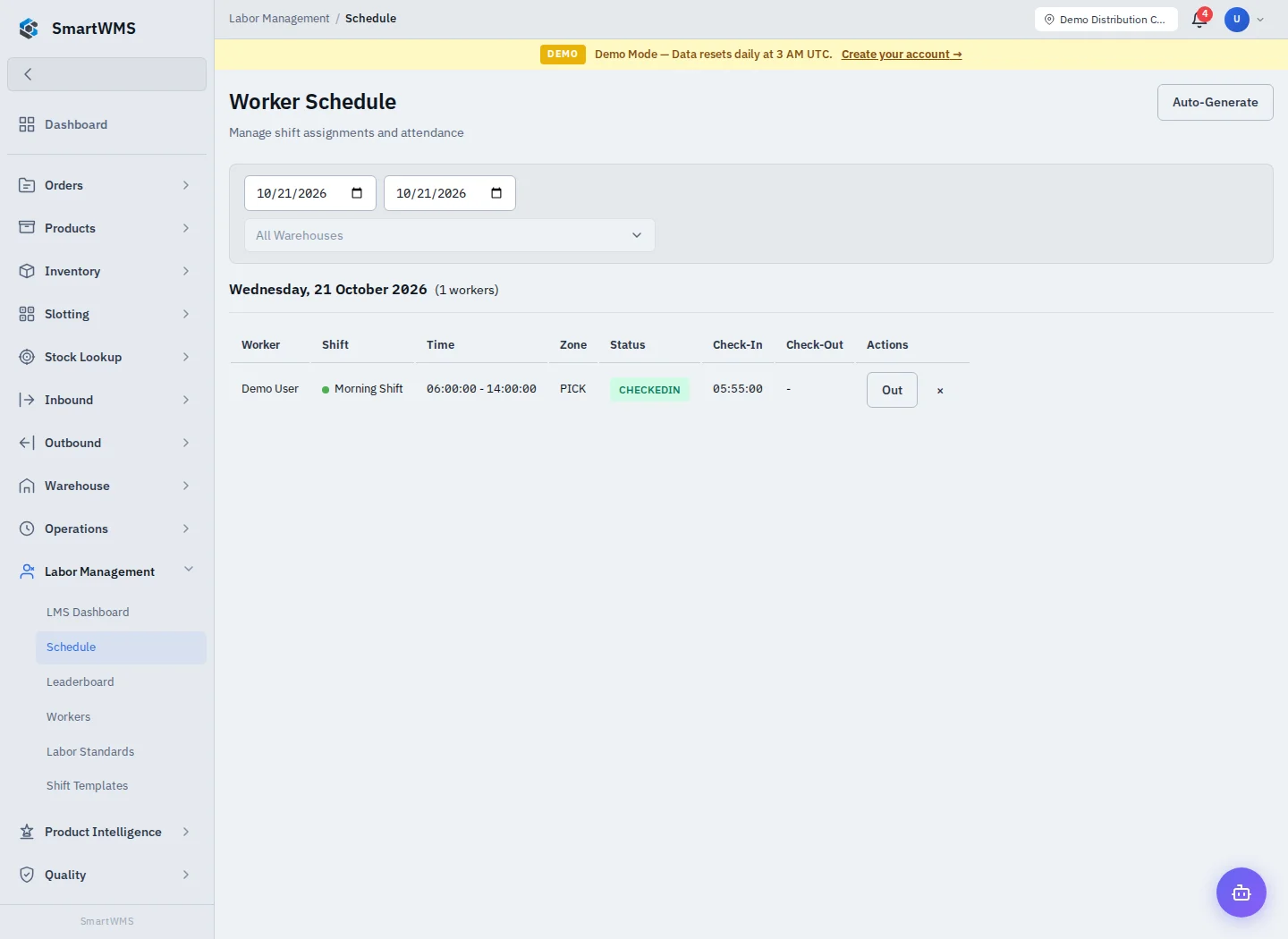
Workforce Schedule
Plan workers and review daily shift coverage
1 min read
Updated 21 October 2026
Workforce Schedule
Open Labor Management → Schedule. Choose the period/warehouse offered by the view and review the displayed workers and shifts.
- Define Shift Templates first if needed.
- Select the relevant date/period and warehouse.
- Use the schedule's add/edit assignment controls to choose the worker and shift.
- Save and verify the resulting day/time coverage.
- Check overlaps, breaks and changes before relying on the plan for operations.
A planned shift is not a live work session or a completed task. Compare the schedule with the Operation Hub/session and worker records to interpret actual coverage.
If a worker or template is missing, check its eligibility, active state, warehouse scope and your permissions. Do not assume changing a template automatically corrects every prior assignment. See LMS Dashboard.