Workers and Leaderboard
Inspect worker activity and interpret performance rankings
1 min read
Updated 21 October 2026
Workers and Leaderboard
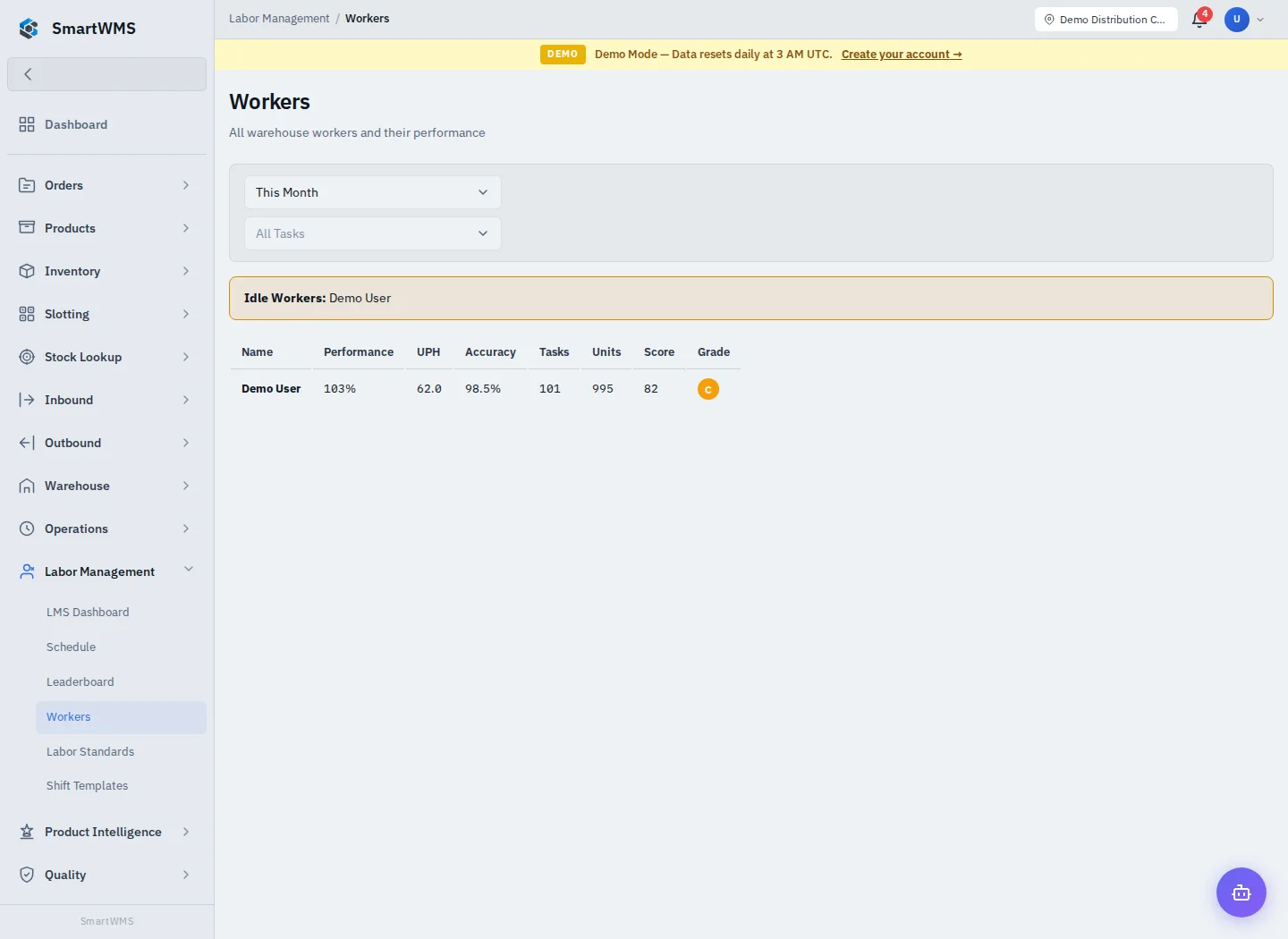
Open Labor Management → Workers and select a worker to inspect the available performance/task information. Leaderboard provides a comparison view for the selected scope.
- Choose the relevant period and warehouse filters.
- Review recorded tasks, units, duration and applicable standard/score.
- Compare similar task types and conditions.
- Investigate missing or unusual results using the underlying task/session records.
No performance data can mean no qualifying recorded activity in that period. A score or rank is not a complete account of a person's work and is not a payroll calculation.
Maintain user access under Settings → Users, shift plans under Schedule and targets under Labor Standards. A worker view does not grant permission to change another user's account.