Expiring Lots
Find batches nearing expiry and decide their handling
1 min read
Updated 21 October 2026
Expiring Lots
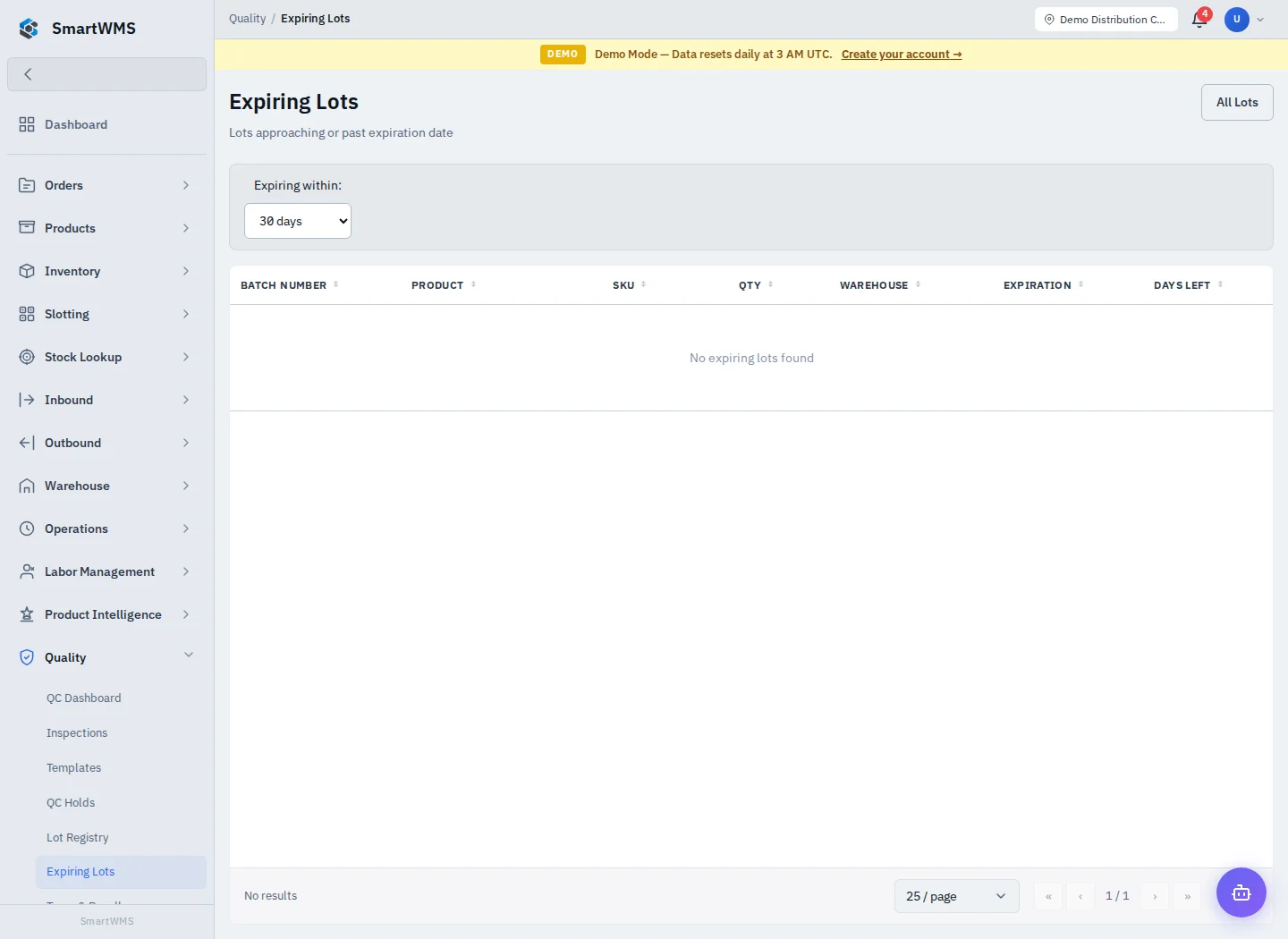
Open Quality → Expiring Lots. Review the period/status/product filters offered by the screen and the expiry dates for each lot.
- Select the intended period and warehouse/product scope if available.
- Check lot identity, expiry date and remaining quantity.
- Open the lot/trace view to identify where the goods are held and their related operations.
- Decide the permitted picking, relocation, hold or disposal process with the responsible person.
- Verify the resulting operational records rather than editing an expiry date to hide an issue.
Reliable expiry information requires products to be configured and actual batch/expiry data to be captured during receiving. Enabling tracking after receipt does not reconstruct missing dates.
A warning is not automatic disposal or customer notification. Use QC Holds and Trace and Recall for controlled follow-up.