Equipment Models
Define reusable equipment specifications and create physical units
1 min read
Updated 21 October 2026
Equipment Models
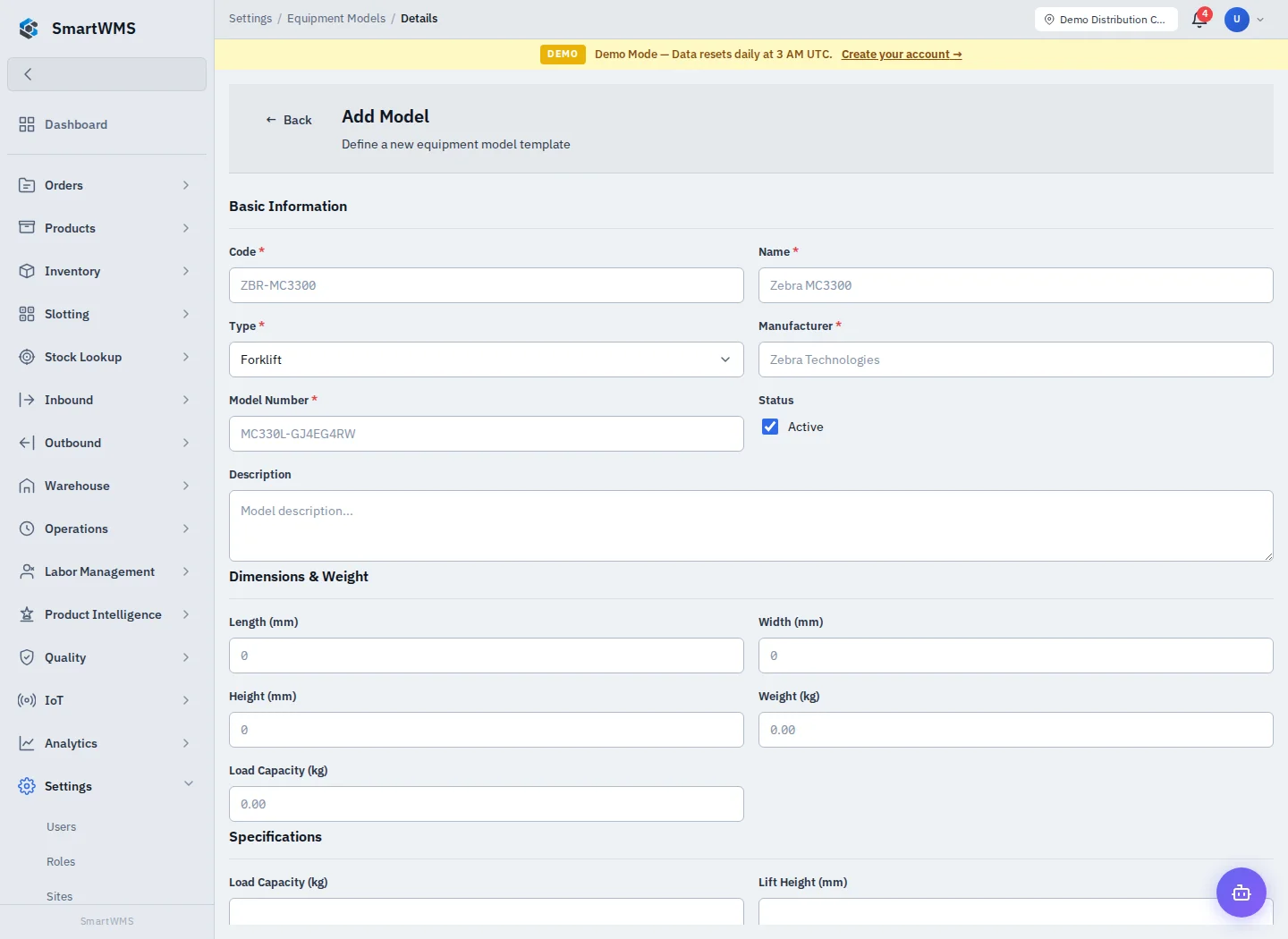
Open Settings → Equipment Models and choose Add Model.
- Enter required Code, Name, Type, Manufacturer and Model Number.
- Choose status and add a description.
- Enter dimensions in millimetres, weight and load capacity in kilograms where applicable.
- Complete the type-specific specifications, such as lift height or fuel type.
- Save and review the model before using it for physical equipment records.
A model is a reusable specification, not an individual forklift or scanner. Use the model's available batch-create control or Warehouse → Equipment to create/register physical units with distinct equipment codes.
Correct specifications before applying a model widely. Changing a model should not be treated as proof that every physical asset was inspected, reconfigured or serviced. See Equipment.