Labor Standards
Define targets and grading thresholds for comparable work
1 min read
Updated 21 October 2026
Labor Standards
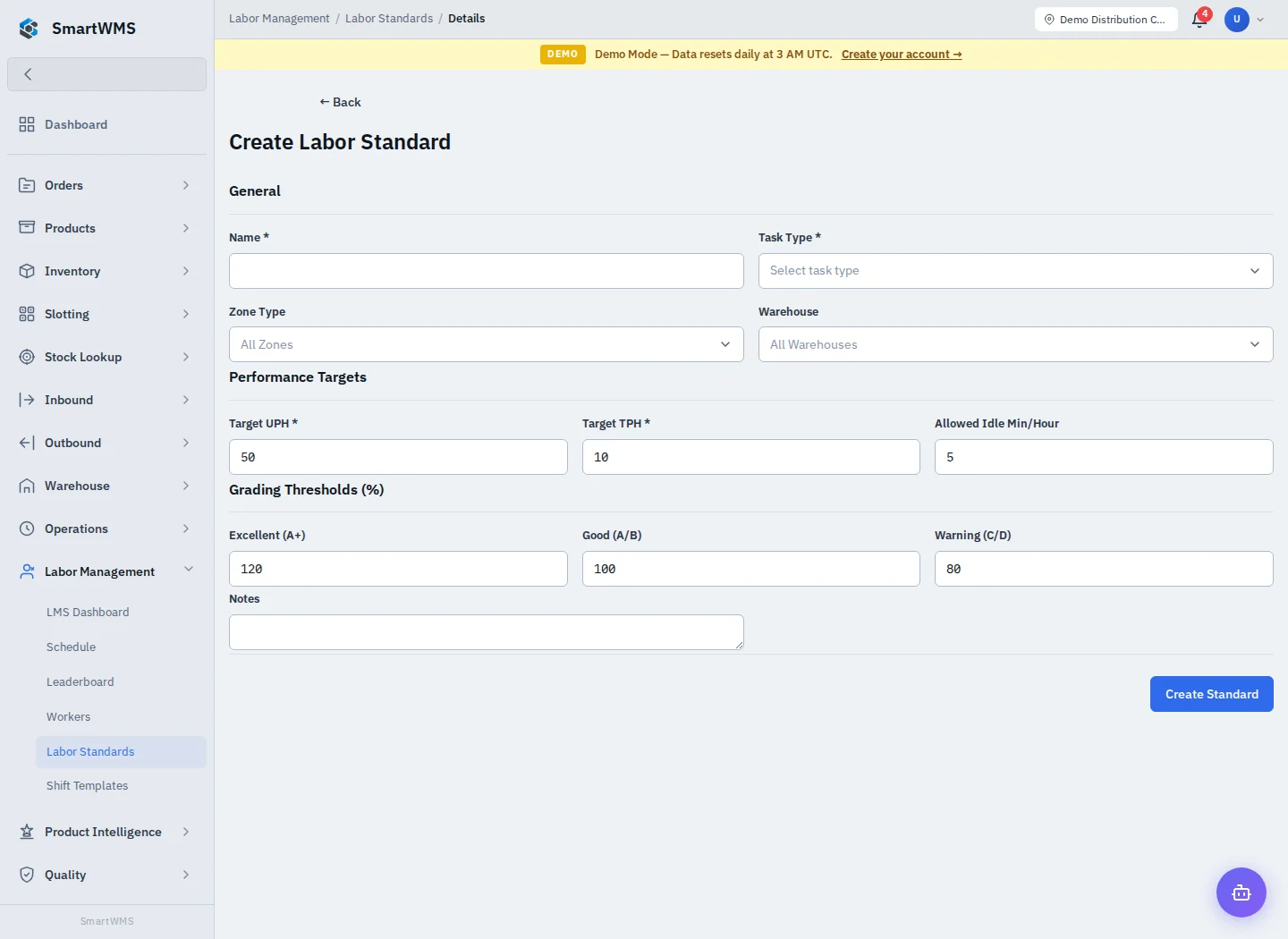
Open Labor Management → Labor Standards and choose Create Labor Standard.
- Enter Name and required Task Type.
- Select Zone Type and Warehouse scope where appropriate; All Zones/Warehouses is broader than a specific selection.
- Set Target UPH (units/hour), Target TPH (tasks/hour) and Allowed Idle Minutes/Hour.
- Review the Excellent, Good and Warning grading thresholds.
- Add Notes, save and verify which work the standard applies to.
Targets should match the task, location and equipment. A higher number does not make an incomparable activity more efficient. Incorrect or missing task/session data affects performance calculations.
Maintain standards when operational conditions change, and investigate unusual scores through worker/task records. See Workers and Leaderboard and Operational Productivity.