Delivery Follow-up
Monitor outgoing delivery records and their current state
1 min read
Updated 21 October 2026
Delivery Follow-up
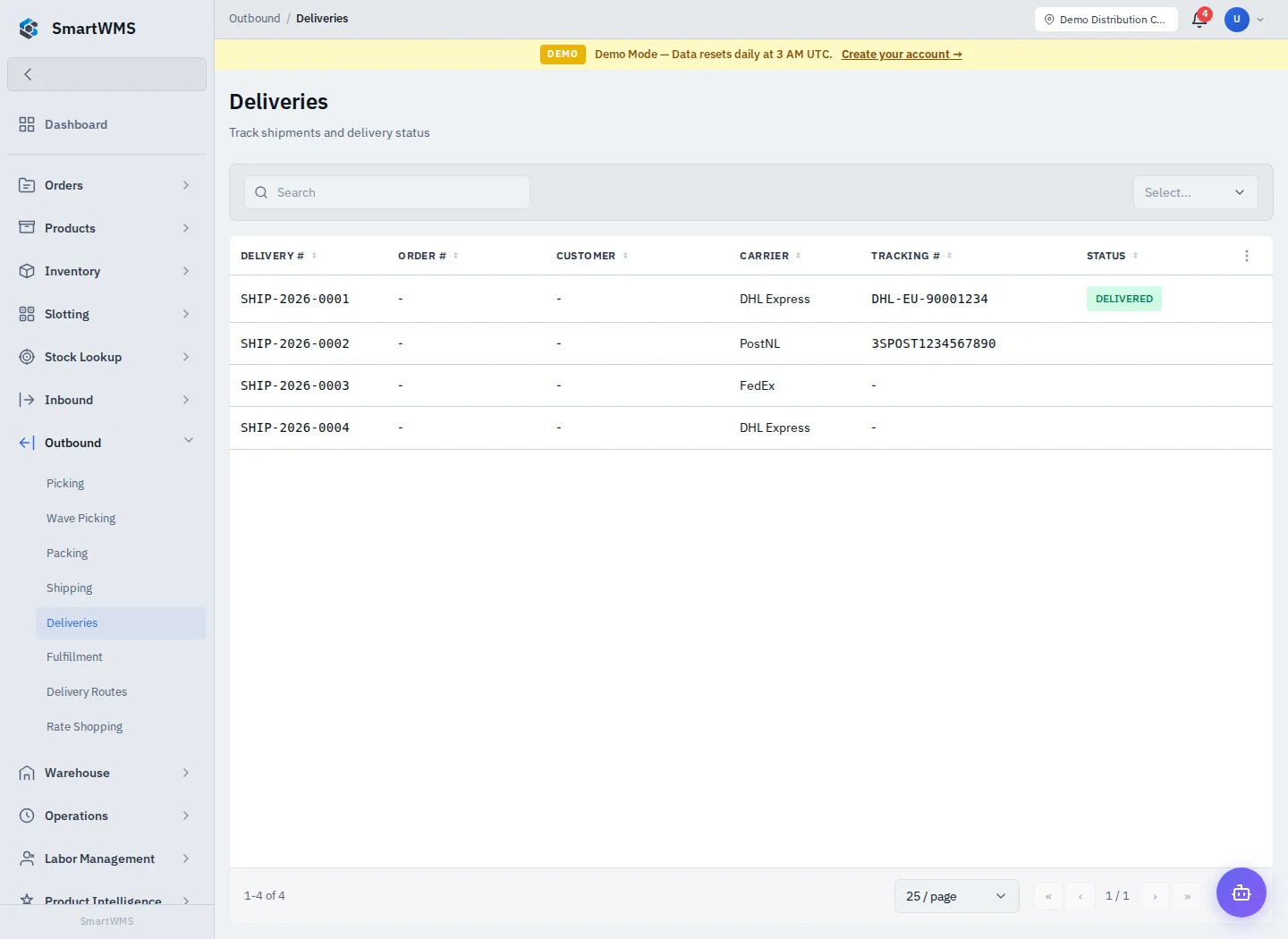
Open Outbound → Deliveries to review the available delivery view. Use its search and filters, then open the relevant linked order/shipment information.
Follow a delivery
- Match the shipment/order number to the physical delivery.
- Check destination, carrier, tracking and planned/actual dates provided by the record.
- Investigate delayed or missing information using the shipment details and carrier integration result.
- Use only the delivery/status actions offered for the current state and your role.
- Confirm the updated shipment and order status after recording completion.
The delivery overview depends on recorded warehouse/carrier information. A stale tracking field or an InTransit status is not proof of the parcel's current physical position. Use the carrier's acknowledged result when investigating an external delivery.
For planning several stops, see Delivery Routes. For dispatch itself, see Shipments. Do not assume opening this view automatically books a vehicle, buys a label or notifies customers.