EDI Transactions
Trace processing, errors, acknowledgements and linked records
1 min read
Updated 21 October 2026
EDI Transactions
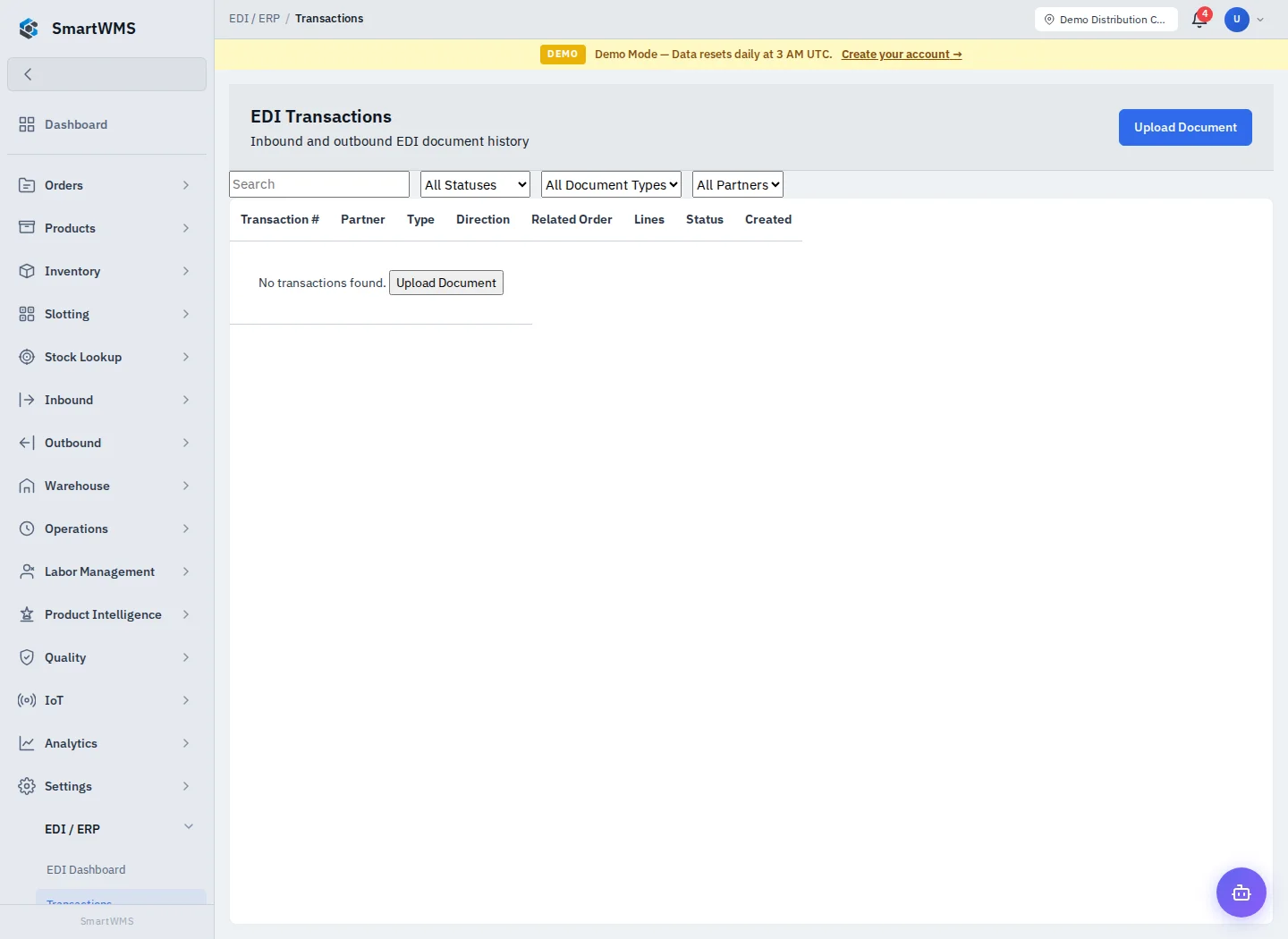
Open EDI / ERP → Transactions. Filter/search the exchange list and open a transaction to inspect its document, partner, direction and processing state.
- Match the transaction/control identifiers to the original document.
- Review parsed data and validation/processing errors.
- Check acknowledgement information when applicable.
- Follow linked business records to verify quantities and references.
- Use any available retry/reprocess action only after understanding the previous result and correcting the cause.
A received transaction, parsed document, successful processing result and acknowledged exchange are distinct states. Do not infer that stock was received simply because an ASN was parsed.
Preserve the source/control reference when contacting support. Remove personal data or secrets from shared excerpts. For new documents, start with Upload and Preview.