Sites and Context
Manage facility records and the selected site
1 min read
Updated 21 October 2026
Sites and Context
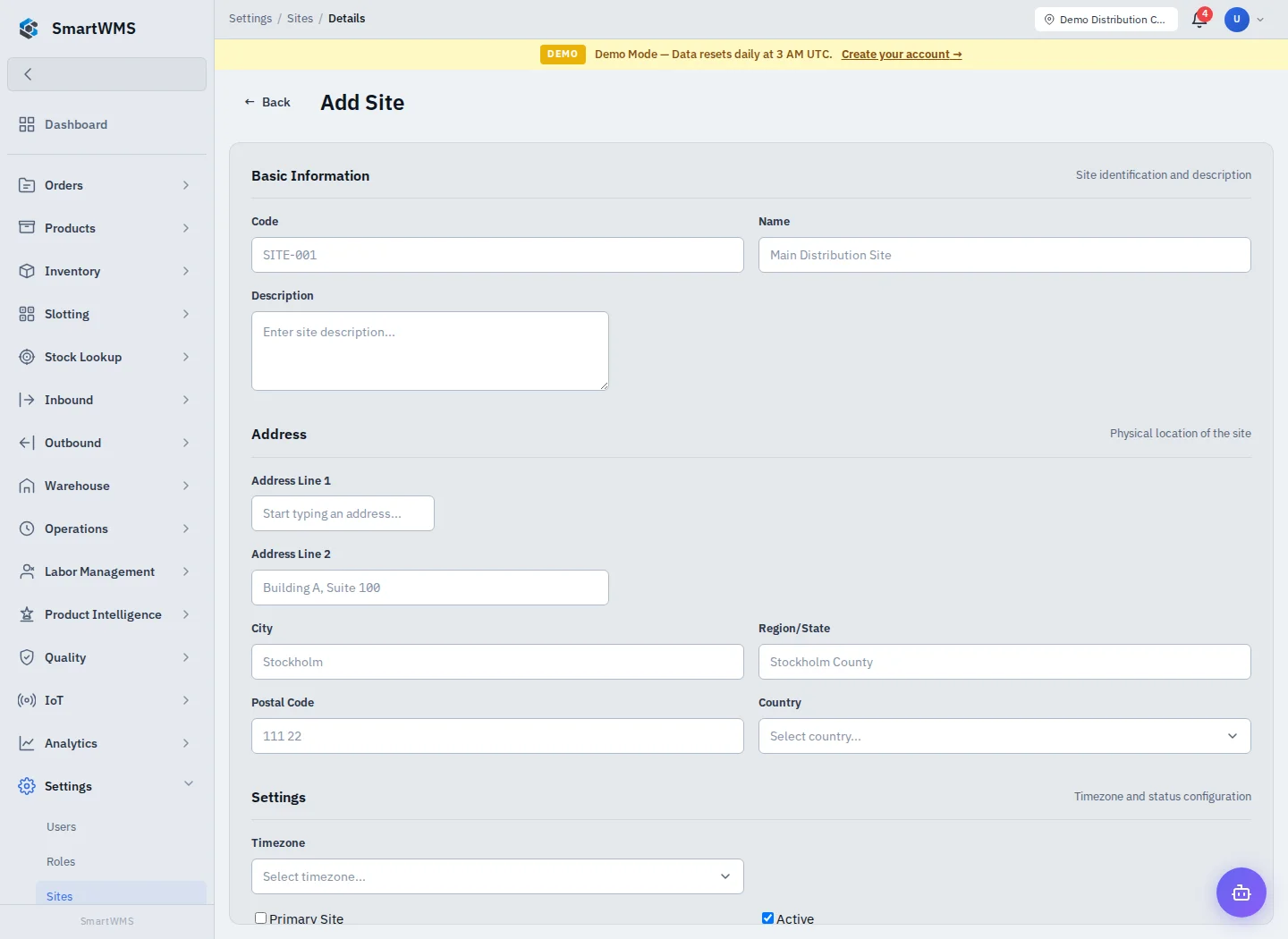
Open Settings → Sites. A site is the facility/business context that contains warehouses.
- Use Add Site, enter Code and Name, then optional description and address.
- Choose a timezone and leave Active enabled for operational use.
- Mark Primary Site when it should be the default and save.
- Select the intended site in the app header where the context selector is offered.
- Explicitly choose it in the required Sites selector when creating a warehouse.
Site context and the parent field on a form are related but should both be checked. An Admin still needs a valid active site. Changing the selected site does not move existing warehouses or stock to another facility.
Edit a site's address/timezone/status in its detail page. Resolve dependent work before deactivating or removing a referenced record. If the selector is empty, verify the site is active and the list loaded successfully. See First Warehouse Setup.