Synchronization Status
Investigate background exchange and integration results
1 min read
Updated 21 October 2026
Synchronization Status
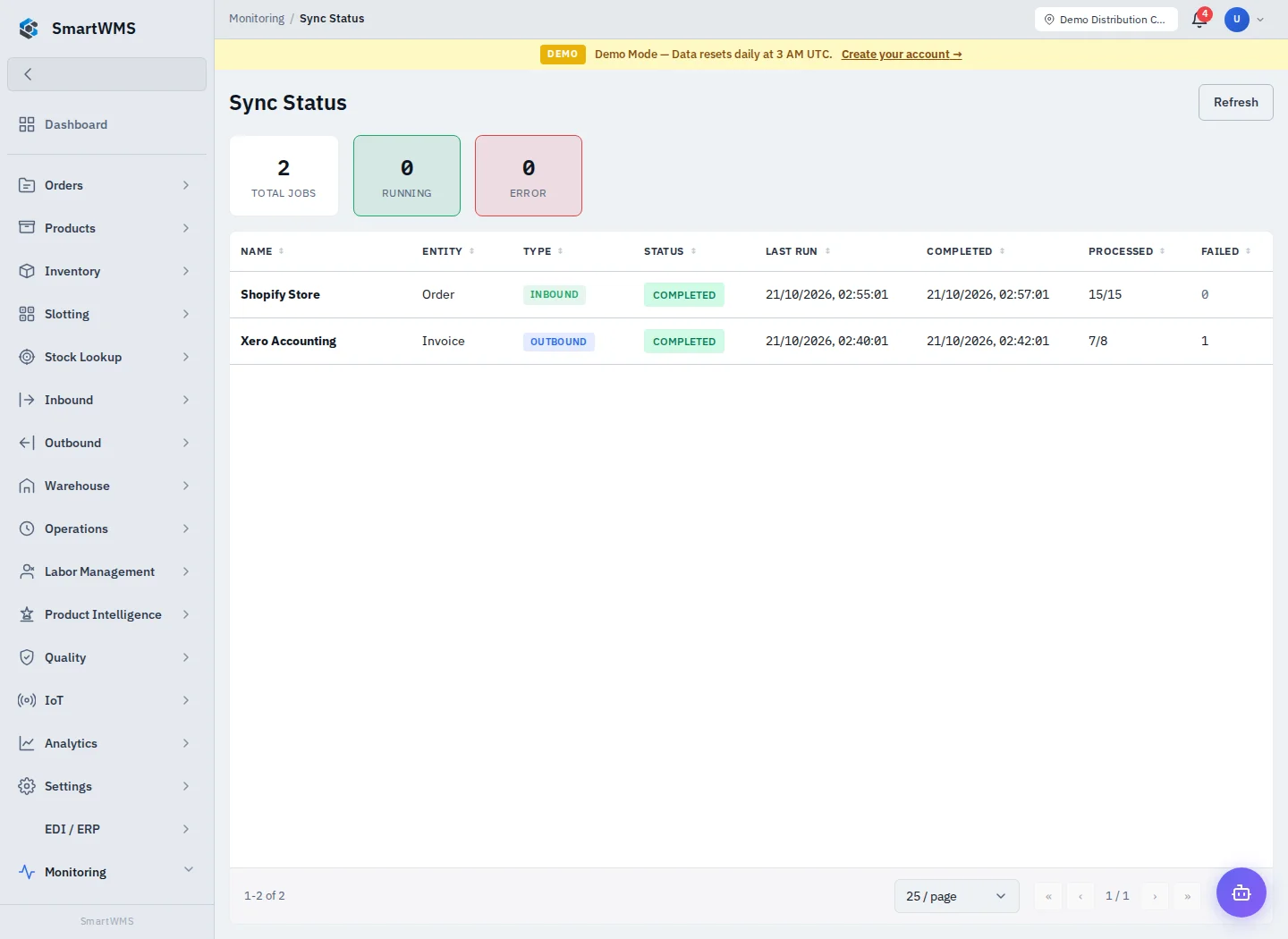
Open Monitoring → Sync Status to review the synchronization information available to your role. For a particular external connection, also open Settings → Integrations → connection details.
- Identify the affected connection/entity and approximate time.
- Compare last-sync time, state, counts and error messages displayed.
- Check credentials, active status, supported action and record mappings.
- Review individual job/log details before retrying a failed exchange.
- Reconcile the actual external and SmartWMS records after a successful retry.
A successful job response does not mean every expected entity was synchronized. Some actions skip records, have a direction-specific scope or depend on provider-side identifiers. A scheduled job is not a guarantee of completed delivery.
Avoid rerunning imports blindly, particularly after a timeout. Check for already-created records and maintain stable external references. See Integrations, EDI Transactions and Activity Audit.