Shift Templates
Define shift times and breaks for scheduling
1 min read
Updated 21 October 2026
Shift Templates
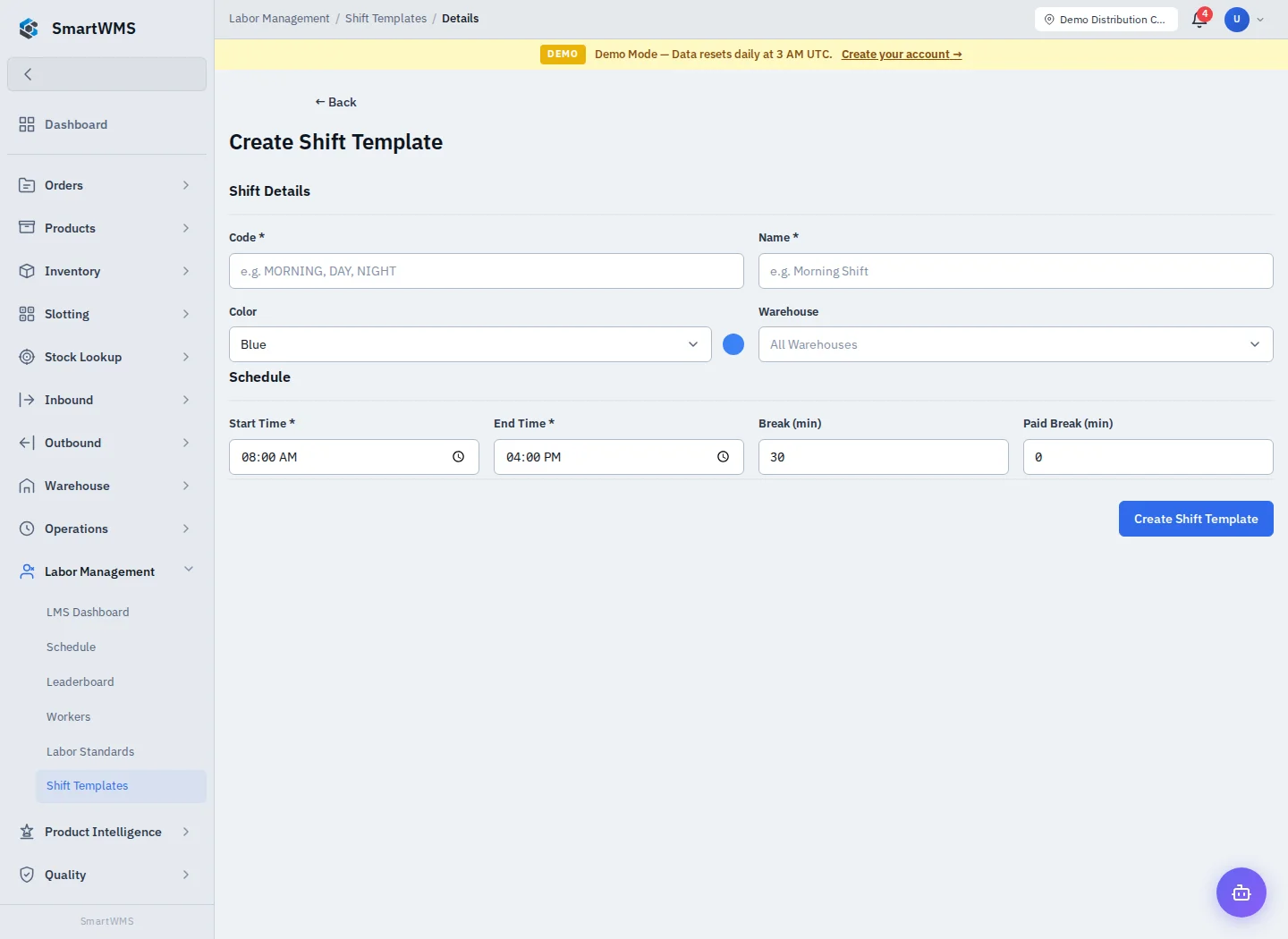
Open Labor Management → Shift Templates and choose Create Shift Template.
- Enter required Code and Name and choose a display Color.
- Select a Warehouse if the shift is warehouse-specific.
- Set required Start Time and End Time.
- Enter Break Minutes and Paid Break Minutes as appropriate.
- Save, review the template and use it in the schedule.
A shift template defines a reusable time pattern; it does not by itself schedule every worker or prove attendance. Review timezone and overnight-boundary behavior against the actual displayed schedule.
Update templates deliberately when hours change and review the effect on existing plans. Use Schedule for assignments and Workers for recorded activity.