Trace and Recall
Follow product/lot movements and scope a recall
1 min read
Updated 21 October 2026
Trace and Recall
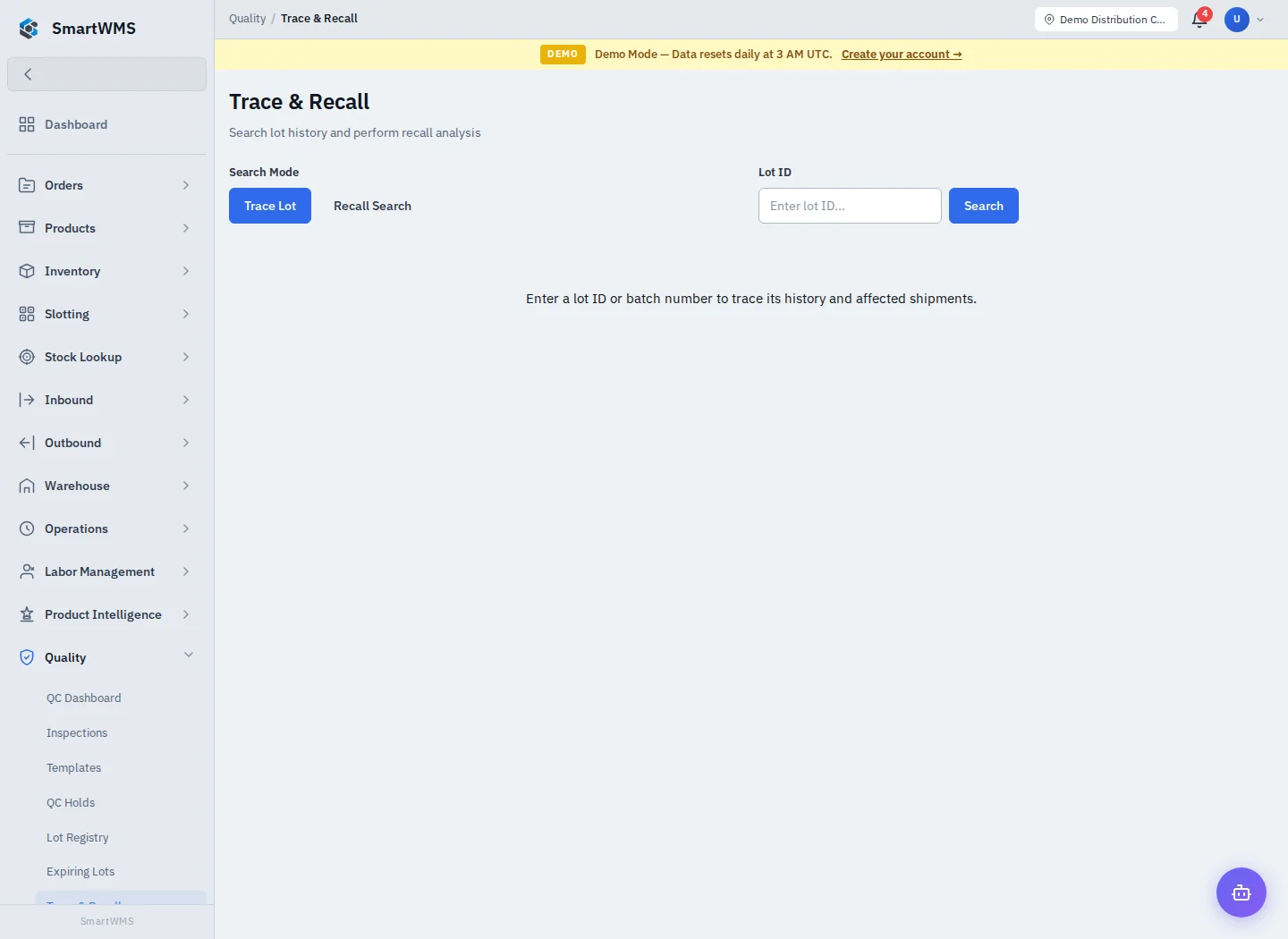
Open Quality → Trace & Recall and select the lot/product using the search controls.
- Confirm the exact product and lot identity before investigating.
- Review upstream receiving/supplier links and downstream movements/orders shown.
- Identify current locations and quantities, then compare with outbound records.
- Use the appropriate hold/return/recall actions available to your role.
- Record and reconcile the operational follow-up separately from the search.
A trace graph reflects recorded relationships. Missing lot/serial data, unlinked documents or incorrect receiving input can create gaps. It does not prove every physical unit or downstream recipient has been identified.
Use verified shipment/customer records for any external recall communication. Searching does not itself notify customers or recover goods. See Lot Registry and QC Holds.