Carrier Rate Comparison
Compare rates through configured carrier connections
1 min read
Updated 21 October 2026
Carrier Rate Comparison
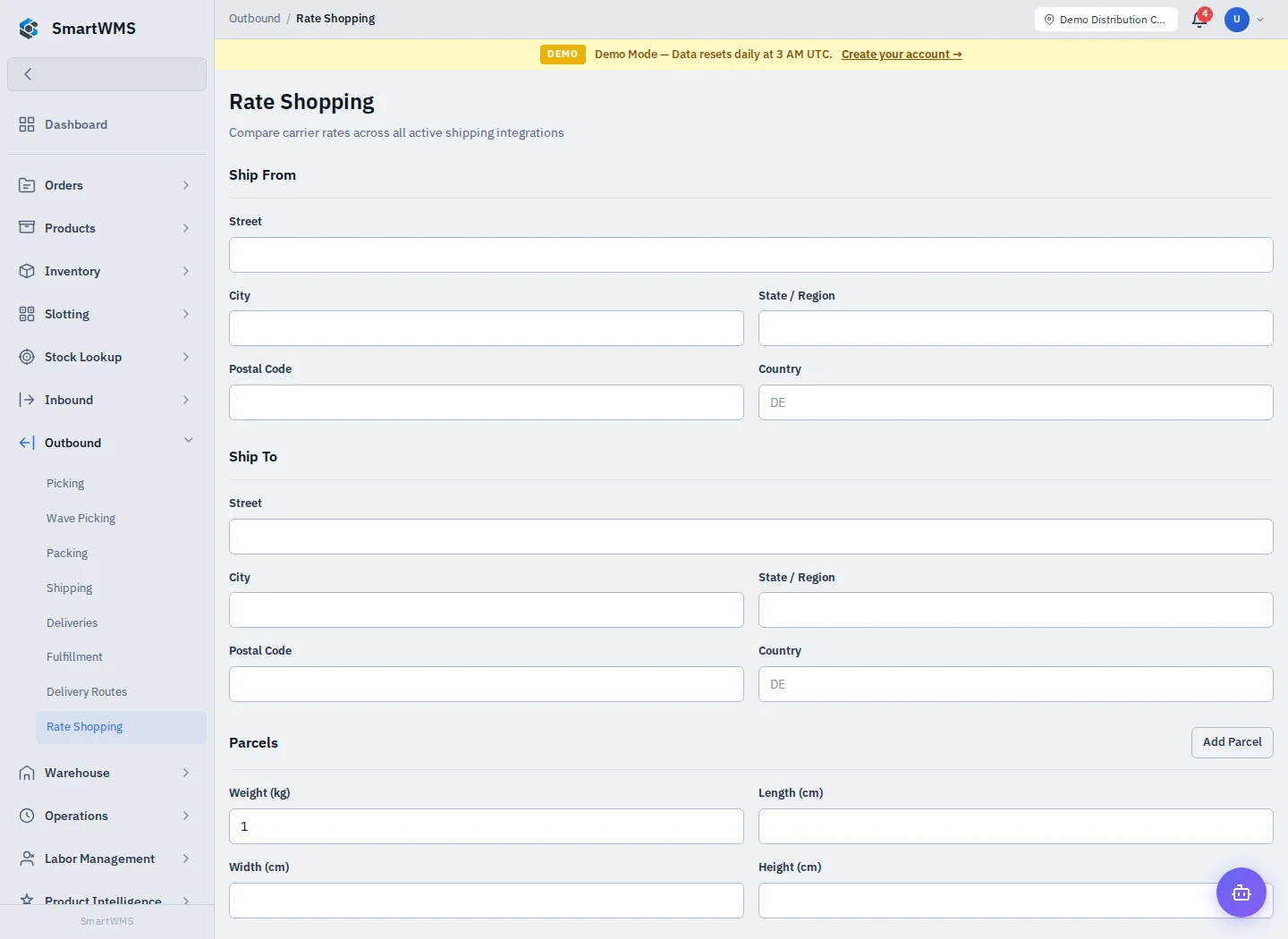
Open Outbound → Rate Shopping. This tool uses the carrier integrations actually configured for your company.
- Configure valid supported carrier connections under Settings → Integrations.
- Enter the origin/destination, package weight/dimensions and other fields requested by the comparison form.
- Request the rates and review carrier, service, currency, price and delivery information returned.
- Check errors for individual providers; one failed provider does not imply the displayed options cover every carrier.
- Choose the appropriate service through the shipment workflow when ready to book.
A comparison is not a shipment booking or a guarantee that the final invoice equals the quote. Credentials, account services, destination coverage and package measurements affect the external response.
No usable rates can mean there is no connected carrier or the external request failed. Check the connection test and logs instead of repeatedly booking a shipment. See Carrier Integrations.