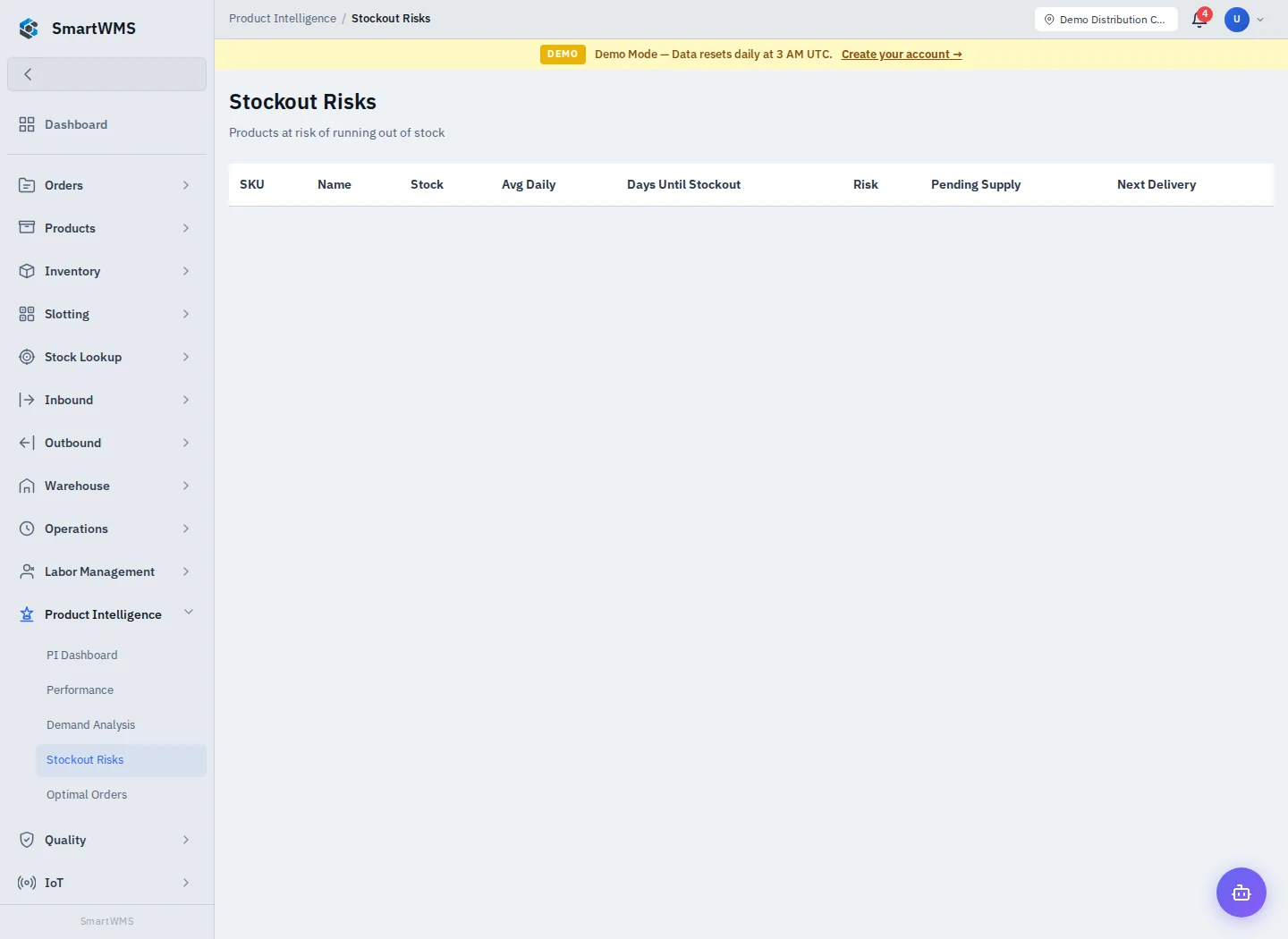
Stockout Risks
Interpret stockout risks from recorded warehouse activity
1 min read
Updated 21 October 2026
Stockout Risks
Open Product Intelligence → Stockout Risks.
Review and act
- Choose the available period/warehouse/class filters and allow the result to load.
- Review Stock, Average Daily demand, Days Until Stockout, Risk, Pending Supply and Next Delivery. Check actual open purchase orders and current stock before reacting. A pending supply record is not proof that the supplier will deliver on time.
- Compare the result with the product's actual movement/order history.
- Use the ordinary purchasing, allocation or stock workflow for an approved action.
These pages use recorded business data. A new product, missing history or changed demand can make a metric unavailable or less useful. Viewing an analysis does not create a purchase order, reserve incoming supply or move stock.
Use PI Dashboard → Recalculate Scores when analysis needs refreshing and your role permits it. See Demand Analysis, Purchase Orders and Stock Levels.